 zain
zainMacropad: every shortcut, one glance
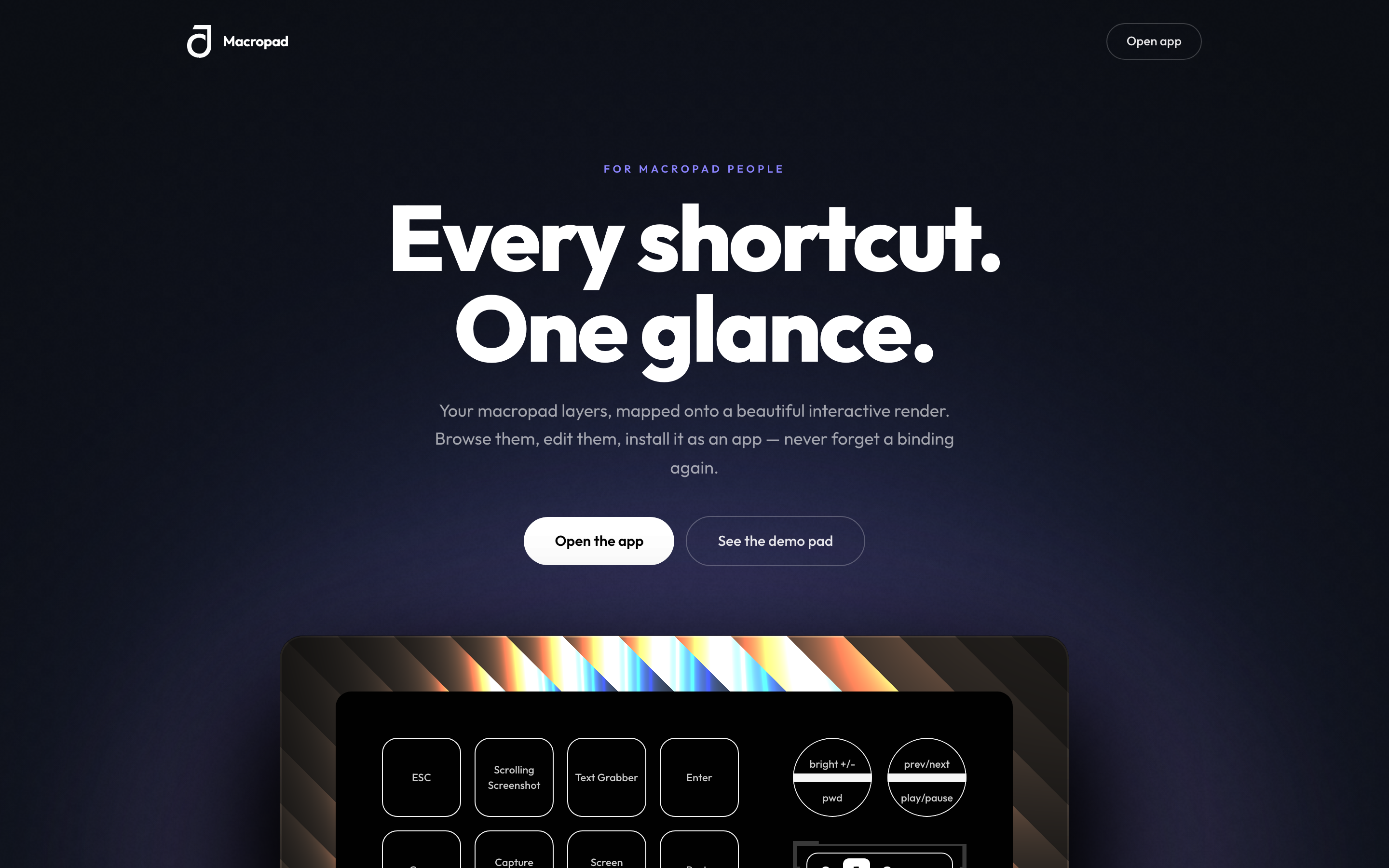
A companion web app for my physical macropad: every layer mapped onto an interactive render, bindings you can edit, installable as a PWA. Designed, built, and shipped solo, and used to run one full modern front-end cycle end to end, Figma → tokens → React → animation → Vercel.
- role
- Designer + developer (solo)
- stack
- Next.js · React · TypeScript · Tailwind CSS · Motion · Three.js · PWA · Figma
- status
- shipped · in use
How I got here
I have a macropad on my desk and a problem I made for myself: I kept mapping more shortcuts than I could remember. A macropad only pays off once the muscle memory is there, and mine wasn't. So I wanted one glance-able reference: a single place that shows every key, every layer, and what each one does.
That was the excuse. The real reason I built it was to run one full modern front-end cycle end to end, by myself, the way a professional team would: Figma variables and styles → design tokens in code → components → animation → Next.js app → GitHub → Vercel. I'd done pieces of that chain before. I'd never done the whole thing, cleanly, on one project.
How I thought about it
Two decisions shaped everything.
First, tokens are the source of truth. Every colour, space, radius, and type step comes from a Figma variable, recreated in code as Tailwind v4 @theme tokens mapped 1:1 to their Figma names, so nothing is a hardcoded hex or pixel, and the mapping is traceable in both directions. If I couldn't trace a value back to a variable, it didn't belong.
Second, I built it twice on purpose. Pass one by hand: read the Figma variables and components myself and rebuild them in code, to force the learning. Pass two through the Figma MCP pipeline, pulling the same tokens and components directly, so I could feel the difference between the two workflows and see exactly where an automated pull got things right and where it drifted.
Building it solo meant every layer of the stack was mine to get wrong. That was the point.
What I actually did
The centre of the app is an interactive render of the macropad. Each physical key maps onto the render, and the layers sit on top of it, so switching layer updates the bindings on every key in place, so the whole board stays legible at a glance.

I made the bindings editable, so the reference isn't frozen: change what a key does and the render reflects it.
Then the motion. I recreated the macropad's trigger → shortcut-execute animation from the Figma prototype in code with Motion, matching the prototype's actual interaction and transition flow rather than approximating it.
Under the hood it's Next.js (App Router) and React with TypeScript, styled entirely through the Tailwind token layer, with the interactive render built on WebGL via Three.js.
Last, I made it installable. I added a PWA layer (manifest, icons, and a service worker) so it lives on a desktop or phone home screen like a real app, then checked it with a Lighthouse PWA audit and an actual add-to-home-screen test on desktop and mobile.
Where it landed
It shipped. I pushed to GitHub, connected the repo to Vercel, deployed a preview, verified it, and promoted to production. It's live at macropad-shortcuts.vercel.app, installable as a PWA.
More than a shipped page, it closed the loop I set out to close: one project carried from Figma variables all the way to a production URL, built by hand and then re-run through the MCP pipeline, so the next time I start from a design system, I know the whole path, and where the automation earns its keep.